
If you want to see more comics like this, sign up for my saturday comics newsletter or browse more comics!
read the transcript!
panel 1
We said earlier that every program has to implement text editing (on page 21)
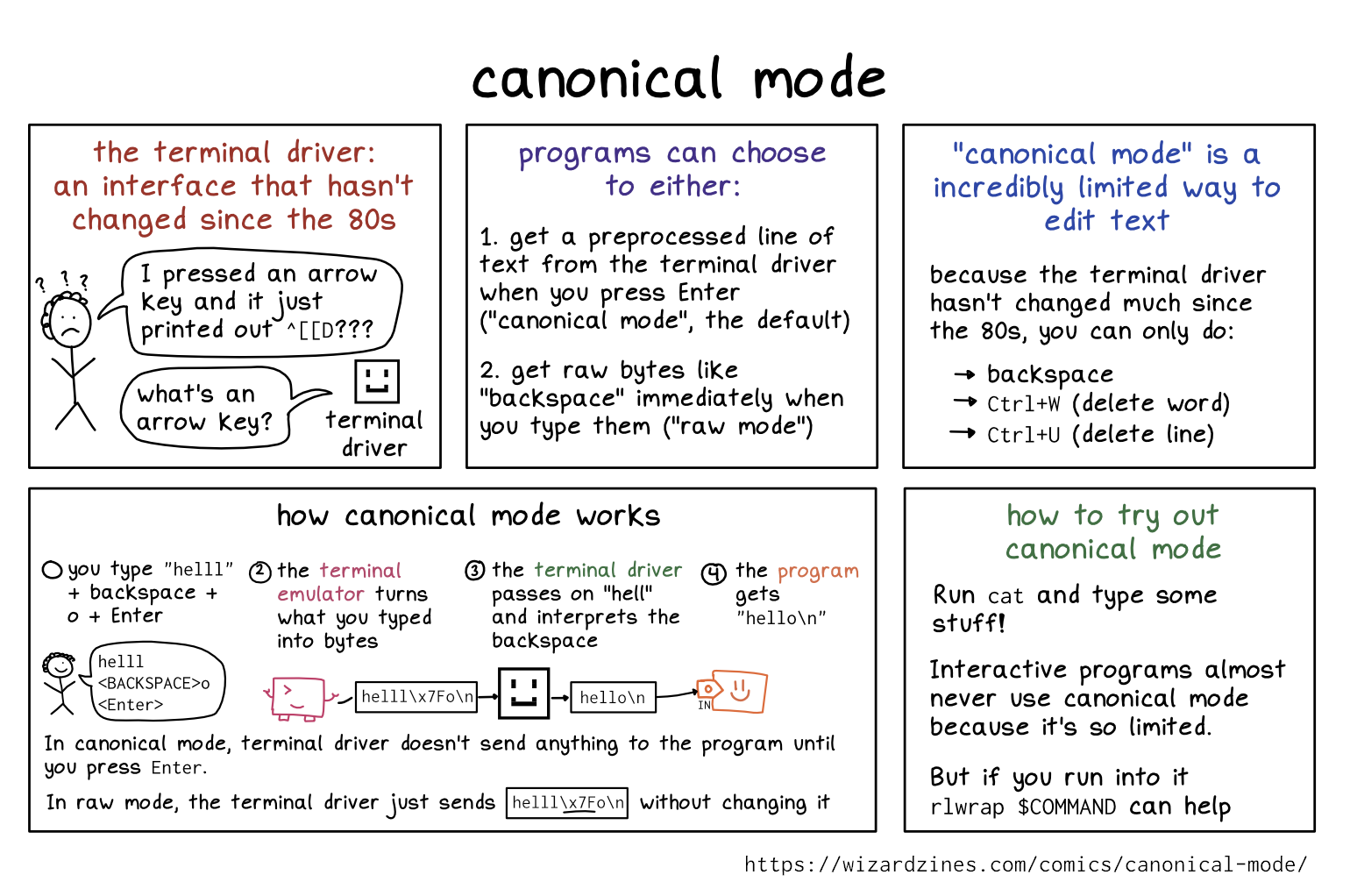
This is not 100% true! The TTY driver technically has a very limited text editing system called “canonical mode” that hasn’t changed since the 80s
what using canonical mode feels like
stressed-out stick figure with curly hair, surrounded by question marks: “I pressed an arrow key and it just printed out ^[[D???”
terminal driver, represented by a square smiley face: “what’s an arrow key?"
how canonical mode works
- you type in text
(helloo<Backspace><Enter>) - the TTY driver lets you edit the text until you press
<Enter> - the TTY driver sends the line of text to the program
canonical mode is incredibly limited
The only ways it lets you edit text are:
- backspace
CTRL+W(delete word)CTRL+U(delete line)
The good thing is those 3 things almost always work.
Interactive programs almost never use canonical mode…
bash, represented by a box with a smiley face, thinking: I want my users to be able to use their arrow keys! this isn’t the 80s!
You can try out canonical mode by running cat and typing.
instead, programs receive bytes as soon as you type them
bash, thinking: okay, [[D, that means “left arrow”, I’ll tell the terminal emulator to move the cursor…
(usually by using a library like readline)