
If you want to see more comics like this, sign up for my saturday comics newsletter or browse more comics!
read the transcript!
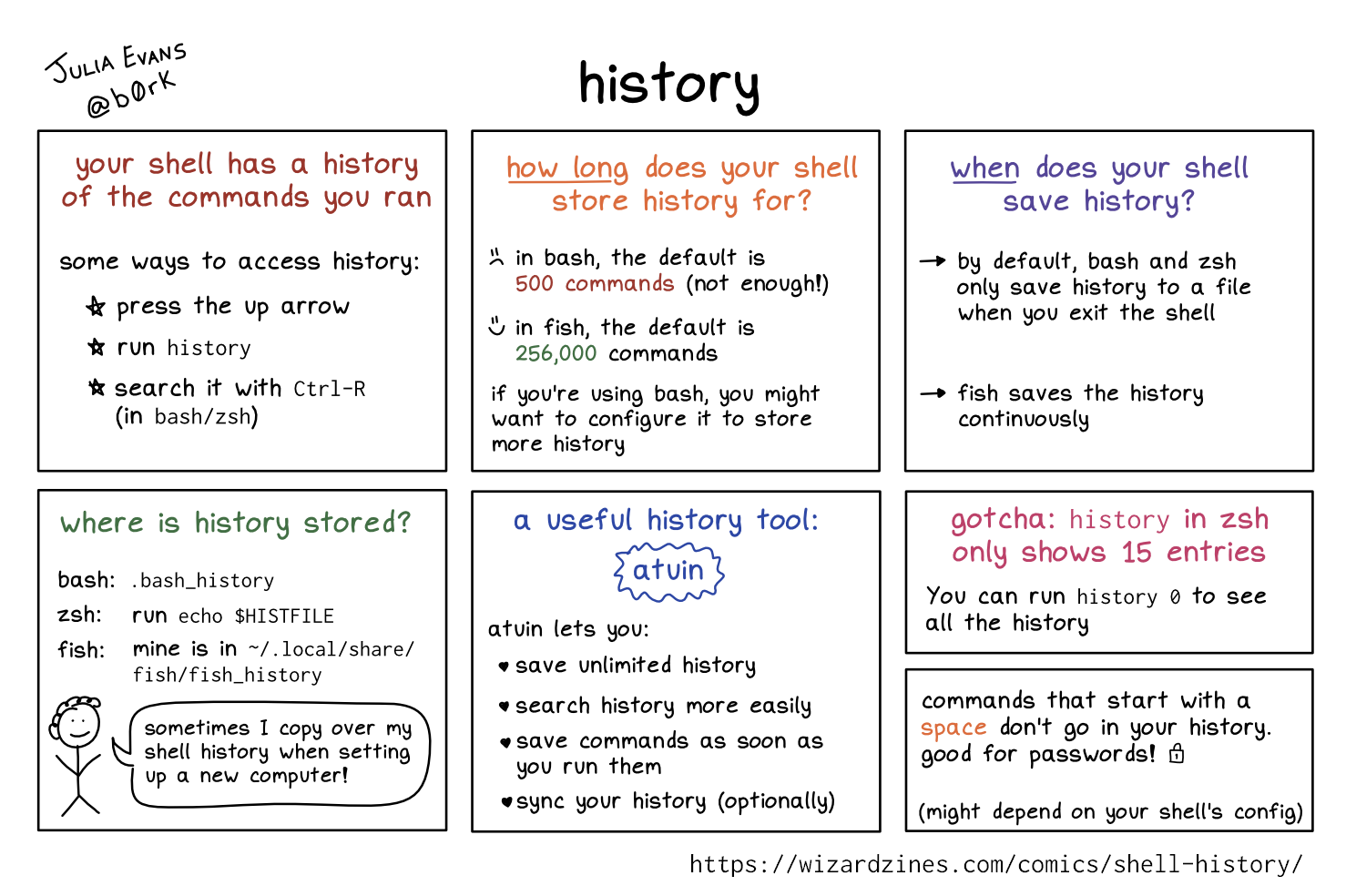
your shell has a history of the commands you ran
some ways to access history:
- press the up arrow
- run
history - search it with
Ctrl-R(inbash/zsh) - use
!33to rerun lin 35 fromhistory(bash/zsh)
how long does your shell store history for?
(sad face) in bash, the default is 500 commands (not enough!)
(happy face) in fish, the default is 256,000 commands
if you’re using bash, you might want to set HISTSIZE and HISTFILESIZE to stor more history
in zsh, it’s HISTSIZE and SAVEHIST
when does your shell save history?
by default, bash and zsh only save history to a file when you exit the shell
fish saves the history continuously
where is history stored?
bash: .bash_history
zsh: run echo $HISTFILE
fish: mine is in ~/.local/share/fish/fish_history
smiling stick figure with curly hair (thinking): “sometimes I copy over my shell history when setting up a new computer!”
history doesn’t include everything
usually it includes:
- the contents of the history file when the shell started
- the commands you ran in this shell session
if I want to use the history from another terminal tab, I’ll open a new tab
a useful history tool: atuin
atuin lets you:
- save unlimited history
- search history more easily
- save commands as soon as you run them
- sync your history (optionally)